Settings
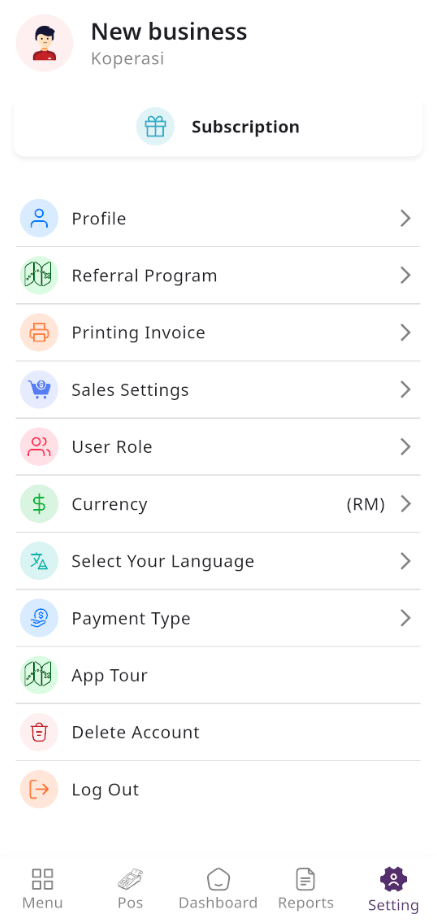
In the Setting section, you have the capability to configure the fundamental aspects or core elements of this project.
Profile
Here, you can view a list of currencies added through the Admin Panel. You can select your preferred default currency, but by default, the system uses the currency set in the Admin Panel.
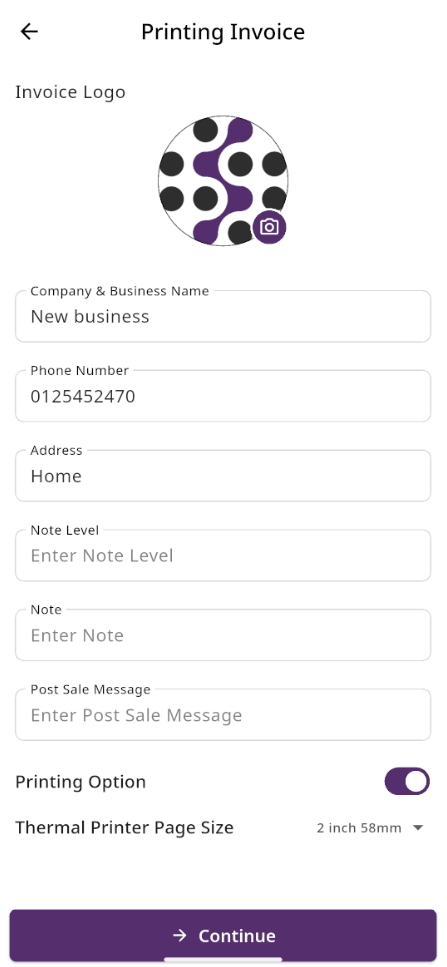
Printing Invoice
Here, you can configure your invoice printing settings before generating receipts. You may upload your invoice logo, enter your company name, phone number, and address, and add optional details such as notes, note level, and post-sale messages that will appear on the printed invoice.
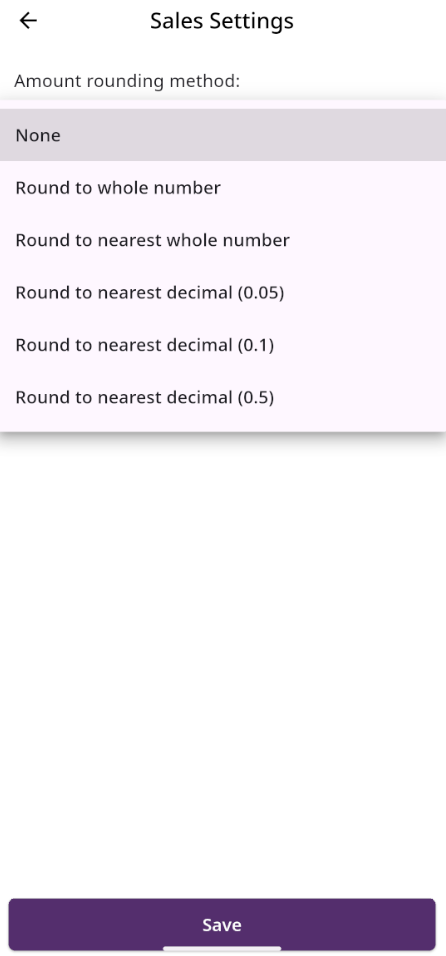
Sales Settings
Here sales setting. You can select your preferred rounding amount method, but by default, the system set it as none.
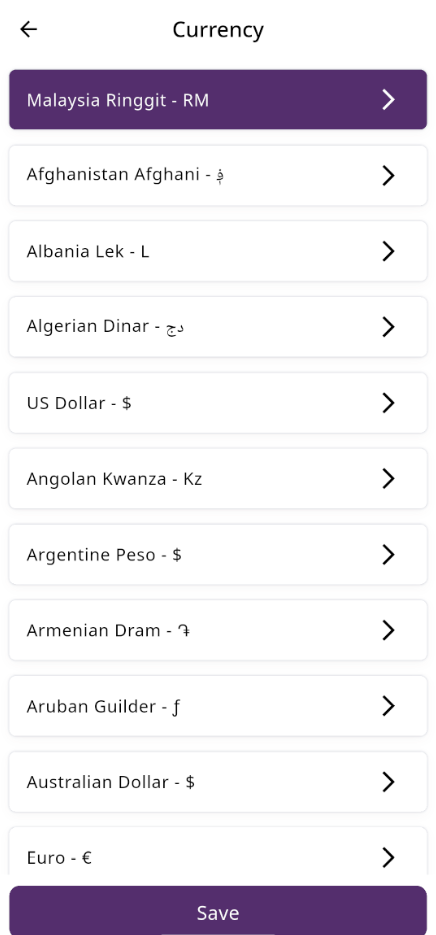
Currencies
Here, you can view a list of currencies added through the Admin Panel. You can select your preferred default currency, but by default, the system uses the currency set in the Admin Panel.
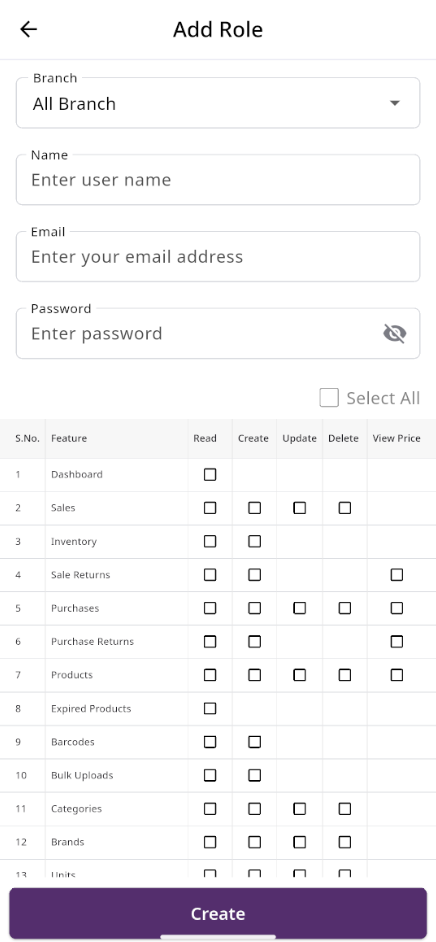
User Role
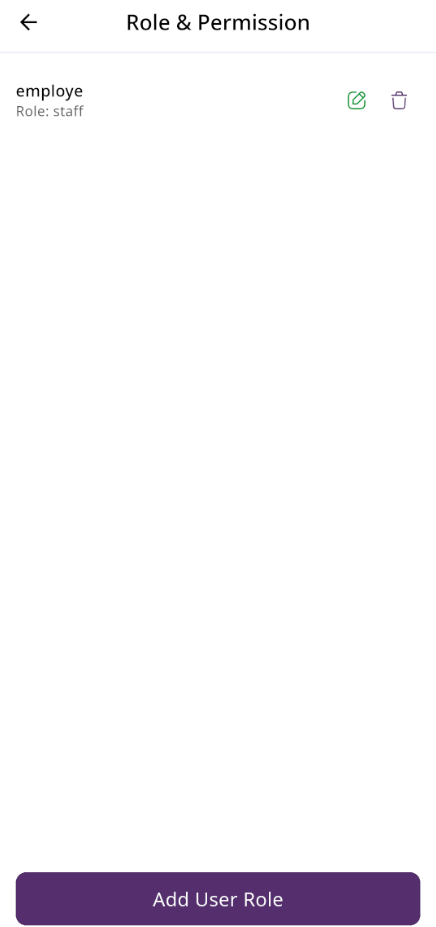
In this section, you can create new roles, update existing ones, and delete them. While updating roles, you can configure specific permissions to grant or restrict access to various features and functionalities. This enables you to customize user roles according to your organizational needs and security requirements.
Languages
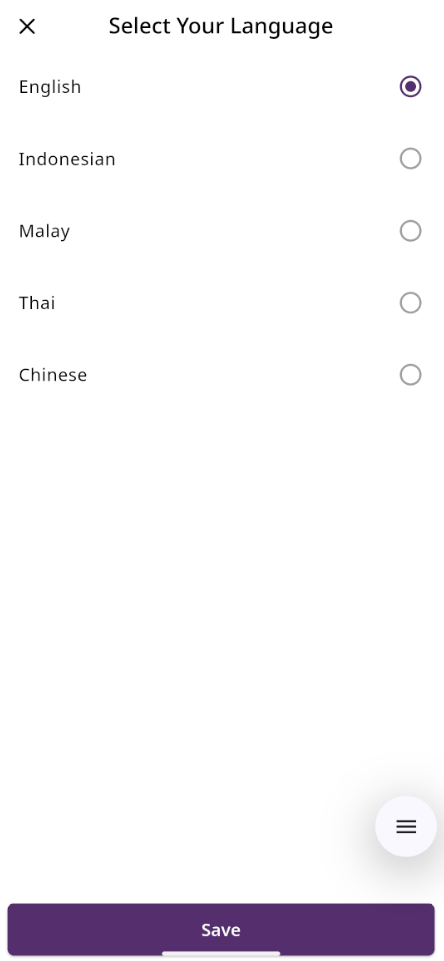
Here, you can view a list of languages available in the app. You can select your preferred default language, but by default, the system uses English.
Payment Type
Here, you can view a list of currencies added through the Admin Panel. You can select your preferred default currency, but by default, the system uses the currency set in the Admin Panel.
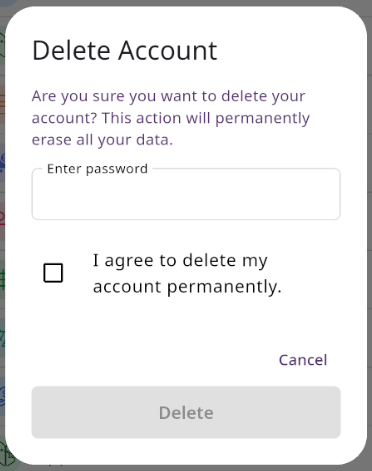
Delete Account
Here, you can delete your current account your logged in. You need to enter in your password and tick the the box stating you understand the risk.