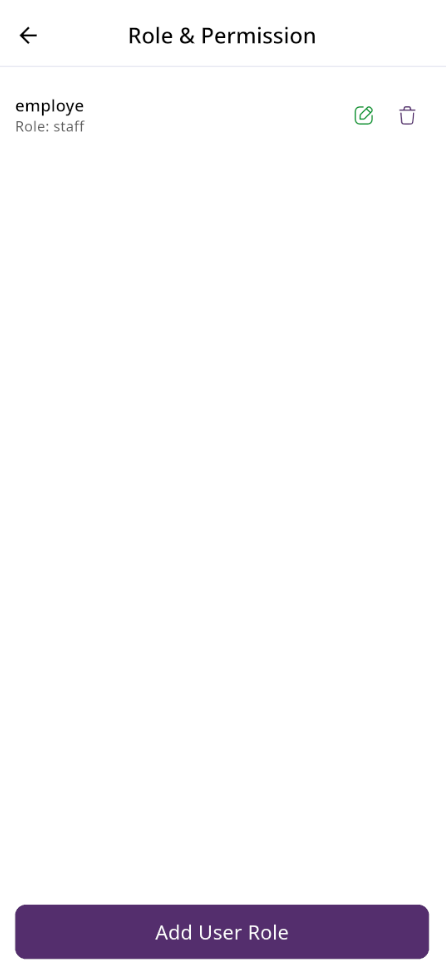
Role & Permission List - edit text
Here, you can view a list of roles and permissions. The list displays name along with the number of features accessible to users. From here, you can also add a new user role, edit an existing role, or delete one.
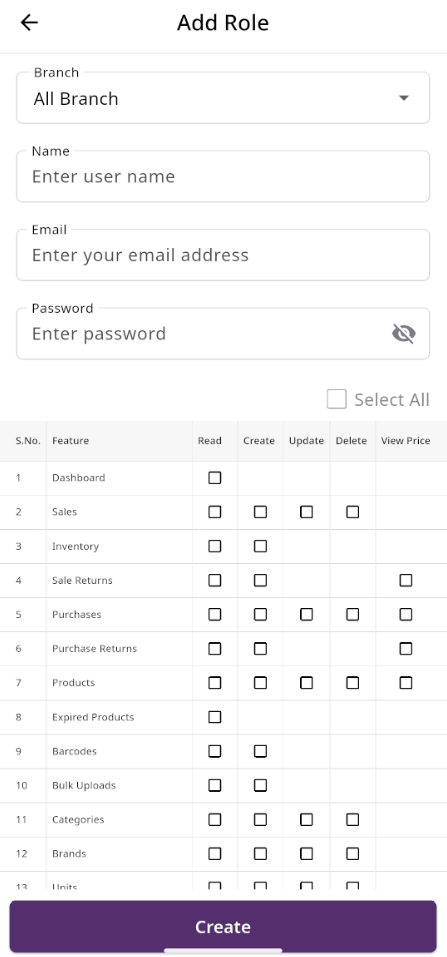
Add Role
After clicking on "Add User Role," you will be redirected to the create page, where you need to fill in the required information. Once completed, click the "Create" button. The new user role will be created successfully, and you will be redirected back to the user role list. If you are not under any branch, a new field will appear where you can select the branch for which you want to assign the role and permissions.