# Setup and Installation
### Addon List
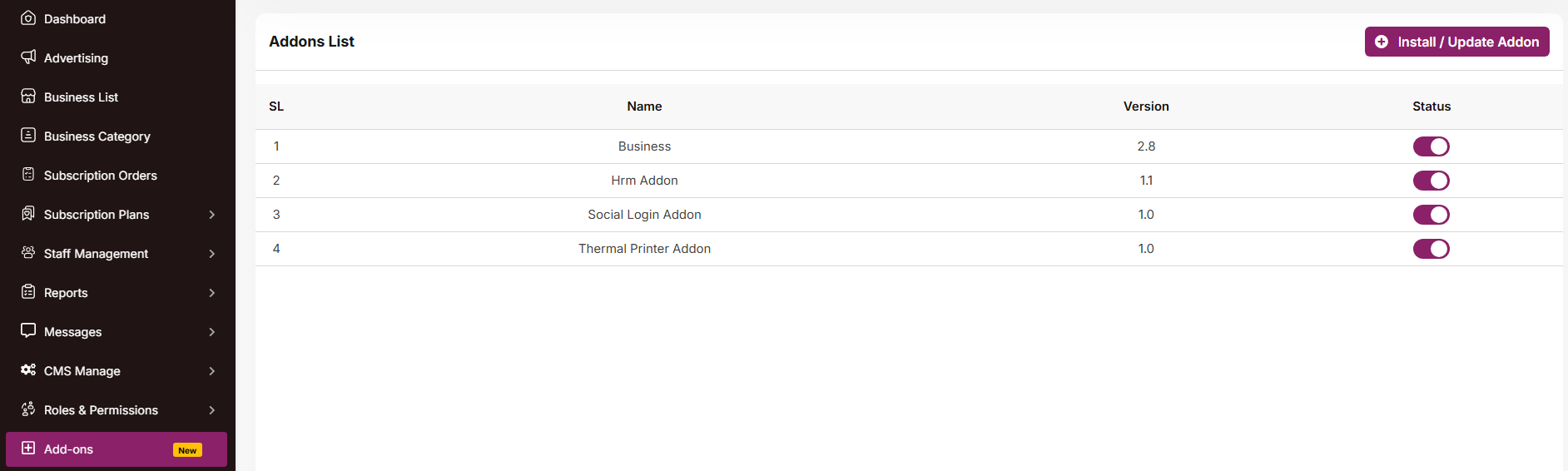
In the Admin Panel, you will see the Addon list. You can activate or deactivate an addon by changing its status.
[](https://docs.senangurus.com/uploads/images/gallery/2025-10/ekNscreenshot-2025-10-07-110307.png)
You can activate or deactivate an addon by changing its status.
### Install / Update Addon
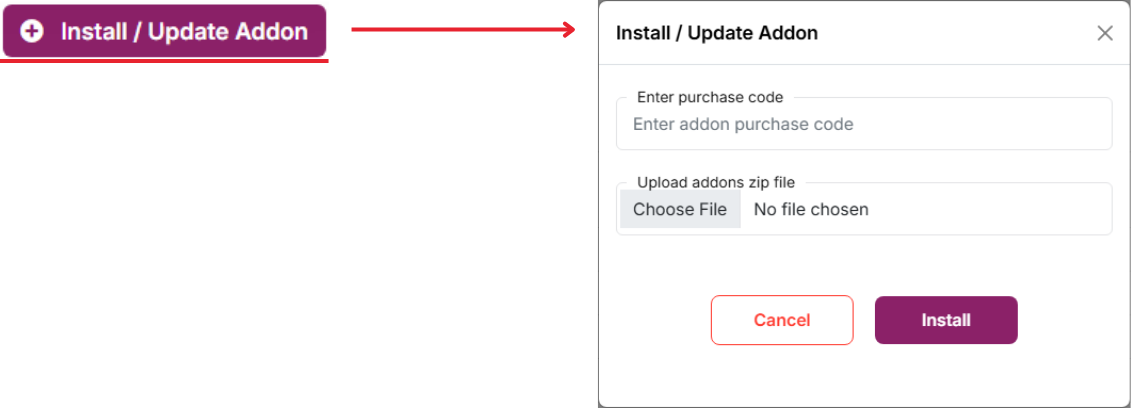
To enter the purchase code and upload a file, you can install/update the Addon.
[](https://docs.senangurus.com/uploads/images/gallery/2025-10/p9Uinstallation-list.png)