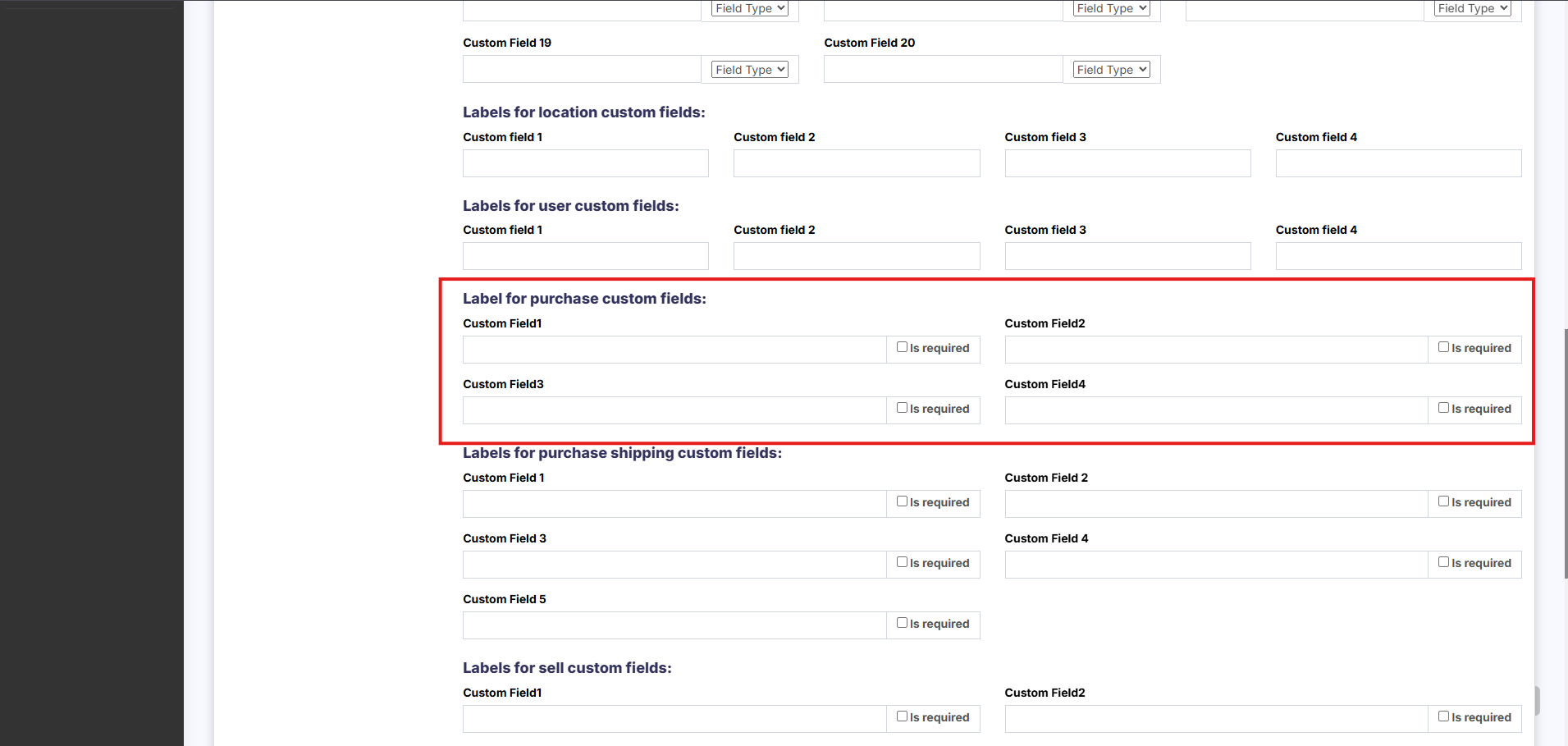
Purchase custom fields
How to Enable Purchase Custom Fields
-
Go to Settings → Business Settings → Label for Purchase Custom Fields
-
Enter a label for each custom field you want to enable
-
Once a label is added, the corresponding custom field will automatically appear in the Purchase screens
-
-
To make a field mandatory, check the “Is Required” checkbox next to the label