Inline tax & invoice tax
Printing Inline Tax in Product Line in Invoice
Inline tax will be printed in product line only using Detailed Invoice design.
Follow the steps mentioned below
Step 1: Go to Settings > Invoice Settings > Invoice Layout. Select “Detailed Invoice” in the Design Dropdown.
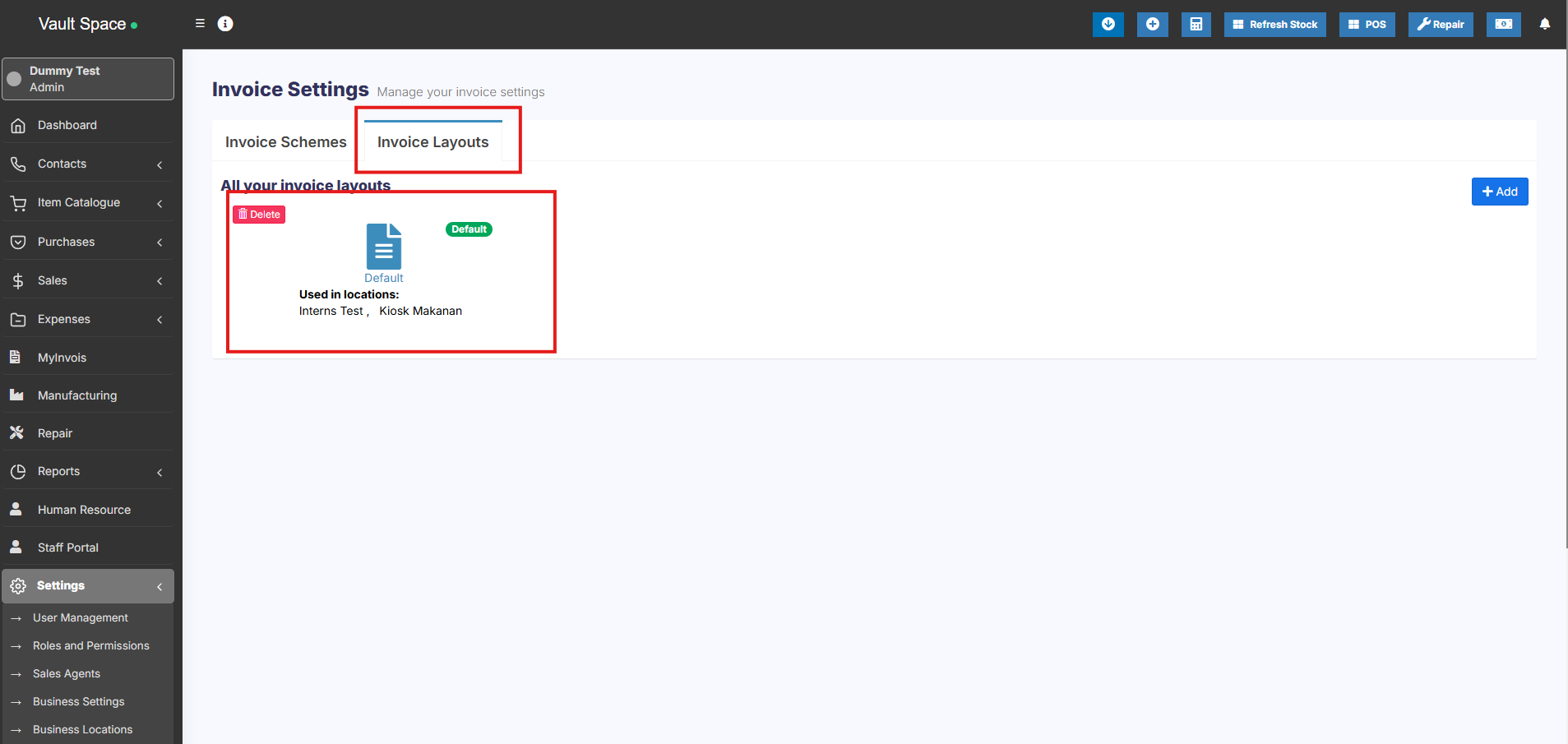
Step 2: Also enable the “Tax label” field in the same invoice layout settings.
Step 3: Save the changes. Now if you add the inline tax during a sale, it will be printed on the product line in the invoice.