# Customer & Supplier Ledger
To view customer or supplier ledger
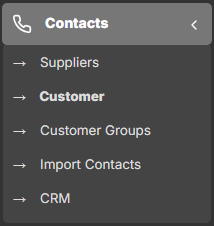
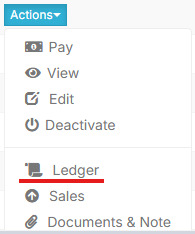
1. Go to **Contacts** -> **Supplier**/**Customer** and click on actions button.
[](https://docs.senangurus.com/uploads/images/gallery/2025-10/aTAimage.png)
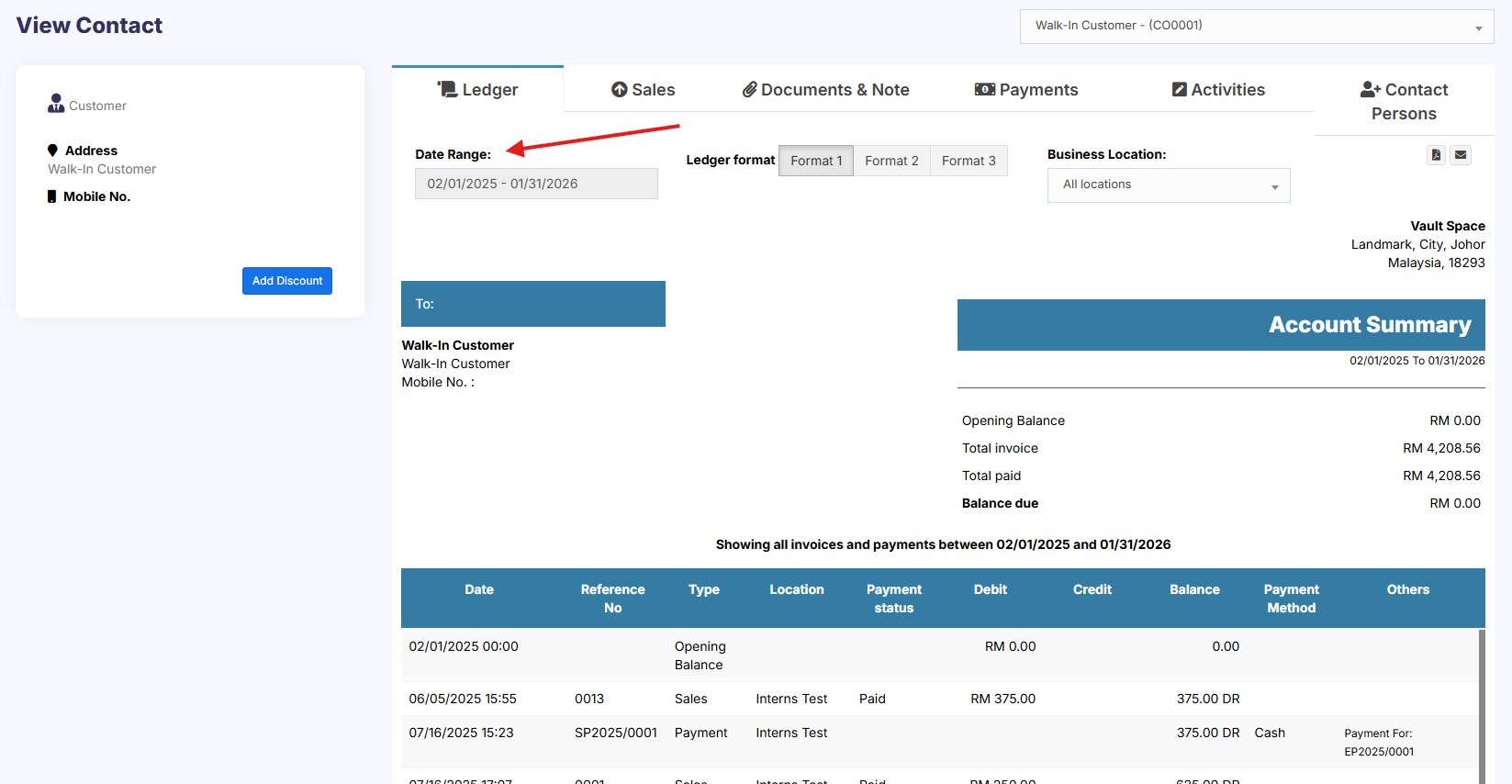
2. In that you will be able to see Ledger for the customer or supplier.
[](https://docs.senangurus.com/uploads/images/gallery/2025-10/XTBimage.png)
[](https://docs.senangurus.com/uploads/images/gallery/2025-10/f8Wimage.png)
3. You can select a date-range and use the checkbox filters to show/hide certain transaction type.
[](https://docs.senangurus.com/uploads/images/gallery/2025-10/iH6image.png)
## Adding Discount for Customer/Supplier on Balance due:
Discount for balance due amount can be added for customer/supplier.
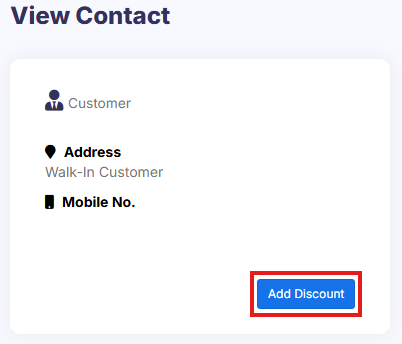
Click the add discount button on the customer/supplier ledger screen
[](https://docs.senangurus.com/uploads/images/gallery/2025-10/fDXimage.png)
On clicking the button it shows a popup, enter the details and click save.
[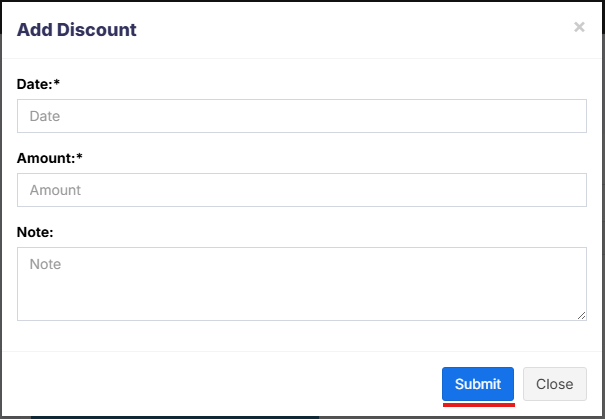](https://docs.senangurus.com/uploads/images/gallery/2025-10/NLyimage.png)
The discounted amount will be accounted for in their ledger.
#### **NOTES**
**1**: This discount can only be added by the admin and not by other users.
**2**: Also, the Ledger Discount is different from the Sale Discount.
While adding a Ledger Discount it will not be reflected in Sale Discount because the invoice details are not added for the ledger discount. And it is not possible to find to which invoice the discount is added.
### Video Demonstration: